
Sovibe
Nano Banana Pro AI Image Generator - Sovibe
Create stunning visuals with the Nano Banana Pro model. The ultimate AI image generator for perfect text rendering, consistent characters, and 4K photorealistic art.
Featured Prompts
Popular Prompts
Explore our curated collection of high-quality prompts to inspire your next creation.
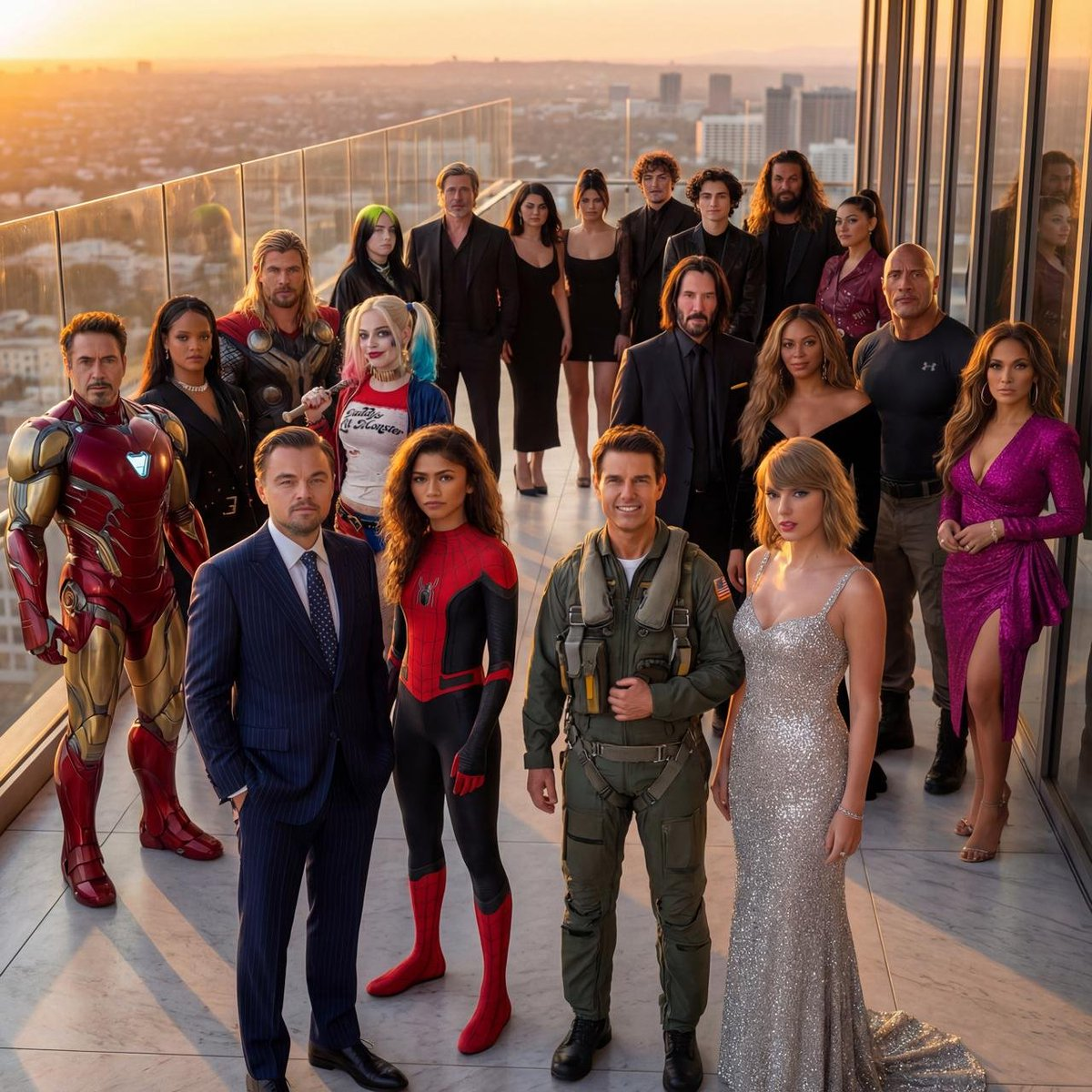
Hyper-Realistic Crowd Composition
Create a hyper-realistic, ultra-sharp, full-color large-format image featuring a massive group of celebrities from different eras, all standing together in a single wide cinematic frame. The image must look like a perfectly photographed editorial cover with impeccable lighting, lifelike skin texture, micro-details of hair, pores, reflections, and fabric fibers. GENERAL STYLE & MOOD: Photorealistic, 8k, shallow depth of field, soft natural fill light + strong golden rim light. High dynamic range, calibrated color grading. Skin tones perfectly accurate. Crisp fabric detail with individual threads visible. Balanced composition, slightly wide-angle lens (35mm), center-weighted. All celebrities interacting naturally, smiling, posing, or conversing. Minimal background noise, but with enough world-building to feel real. THE ENVIRONMENT: A luxurious open-air rooftop terrace at sunset overlooking a modern city skyline. Elements include: Warm golden light wrapping around silhouettes. Polished marble.
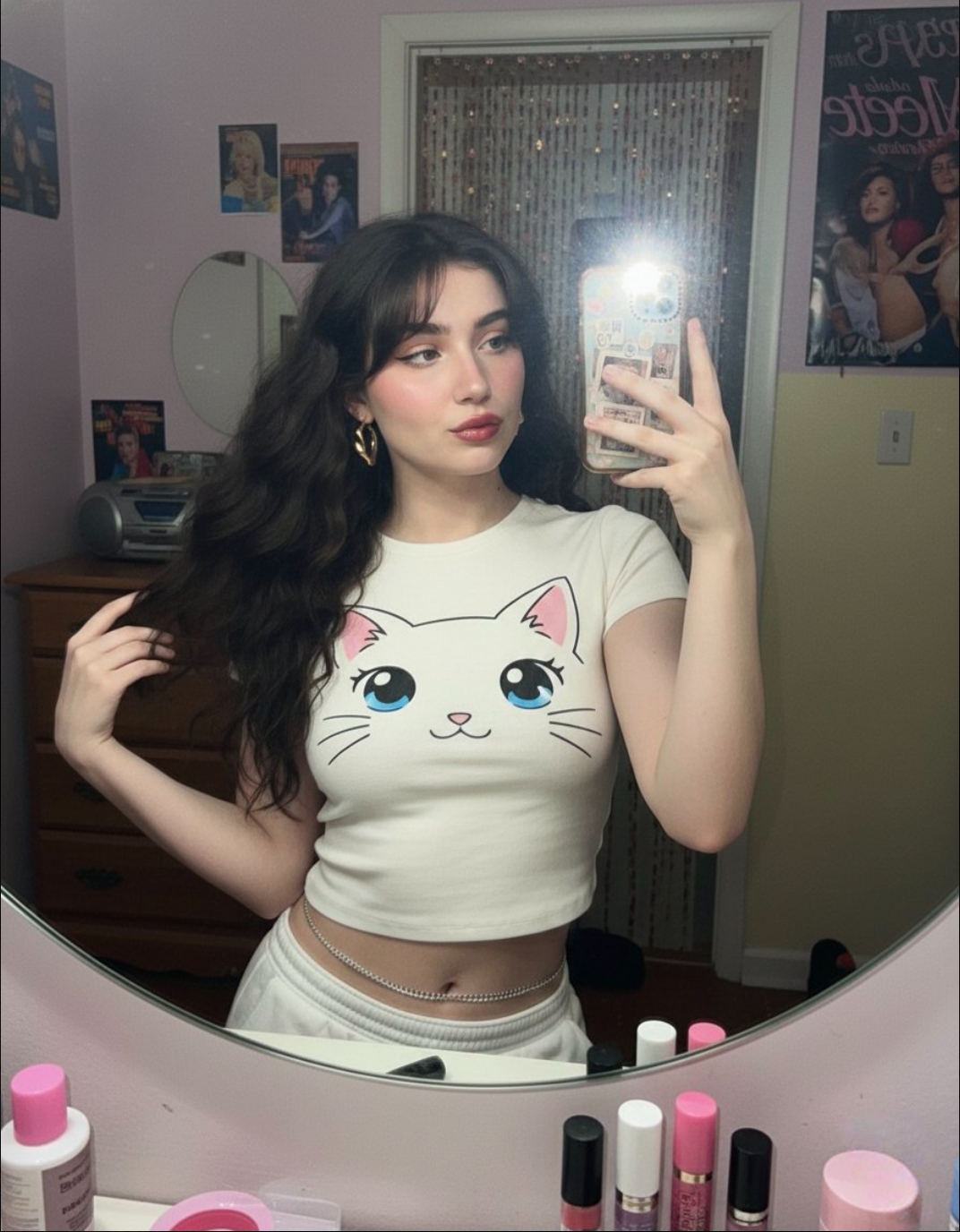
2000s Mirror Selfie
Create a 2000s Mirror Selfie of yourself using Gemini Nano Banana. { "subject": { "description": "A young woman taking a mirror selfie with very long voluminous dark waves and soft wispy bangs", "age": "young adult", "expression": "confident and slightly playful", "hair": { "color": "dark", "style": "very long, voluminous waves with soft wispy bangs" }, "clothing": { "top": { "type": "fitted cropped t-shirt", "color": "cream white", "details": "features a large cute anime-style cat face graphic with big blue eyes, whiskers, and a small pink mouth" } }, "face": { "preserve_original": true, "makeup": "natural glam makeup with soft pink dewy blush and glossy red pouty lips" } }, "accessories": { "earrings": { "type": "gold geometric hoop earrings" }, "jewelry": { "waistchain": "silver waistchain" }, "device": { "type": "smartphone", "details": "patterned case" } }, "photography": { "camera_style": "early-2000s digital camera aesthetic", "lighting": "harsh super-flash with bright blown-out highlights but subject still visible", "angle": "mirror selfie", "shot_type": "tight selfie composition", "texture": "subtle grain, retro highlights, V6 realism, crisp details, soft shadows" }, "background": { "setting": "nostalgic early-2000s bedroom", "wall_color": "pastel tones", "elements": [ "chunky wooden dresser", "CD player", "posters of 2000s pop icons", "hanging beaded door curtain", "cluttered vanity with lip glosses" ], "atmosphere": "authentic 2000s nostalgic vibe", "lighting": "retro" } }
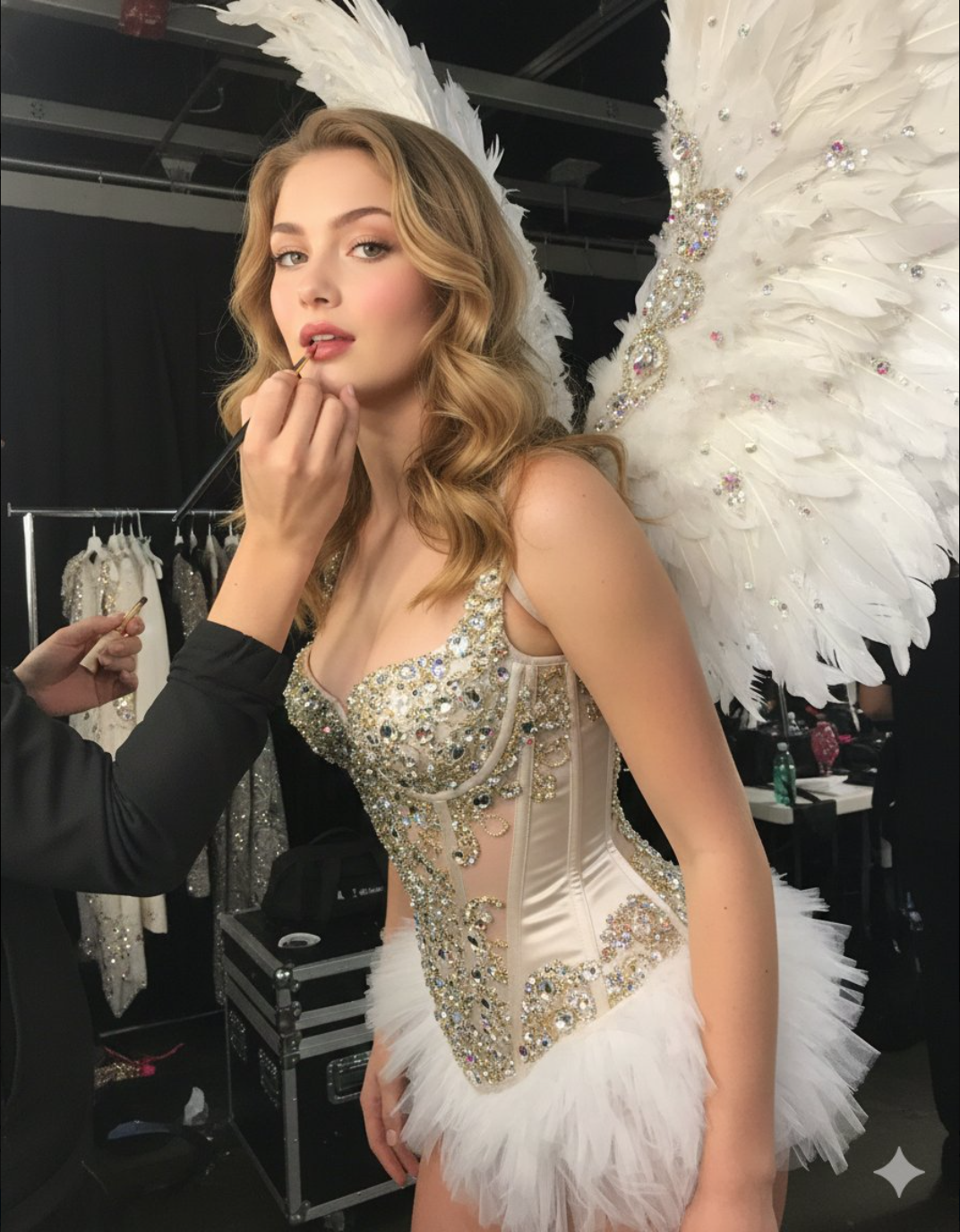
Victoria's Secret Style Photoshoot
Create a glamorous photoshoot in the style of Victoria's Secret. A young woman attached in the uploaded reference image ( Keep the face of the person 100% accurate from the reference image ) stands almost sideways, slightly bent forward, during the final preparation for the show. Makeup artists apply lipstick to her (only her hands are visible in the frame). She is wearing a corset decorated with beaded embroidery and crystals with a short fluffy skirt, as well as large feather wings. The image has a "backstage" effect. The background is a darkly lit room, probably under the podium. The main emphasis is on the girl's face and the details of her costume. Emphasize the expressiveness of the gaze and the luxurious look of the outfit. The photo is lit by a flash from the camera, which emphasizes the shine of the beads and crystals on the corset, as well as the girl's shiny skin. Victoria's Secret style: sensuality, luxury, glamour. Very detailed. Important: do not change the face.
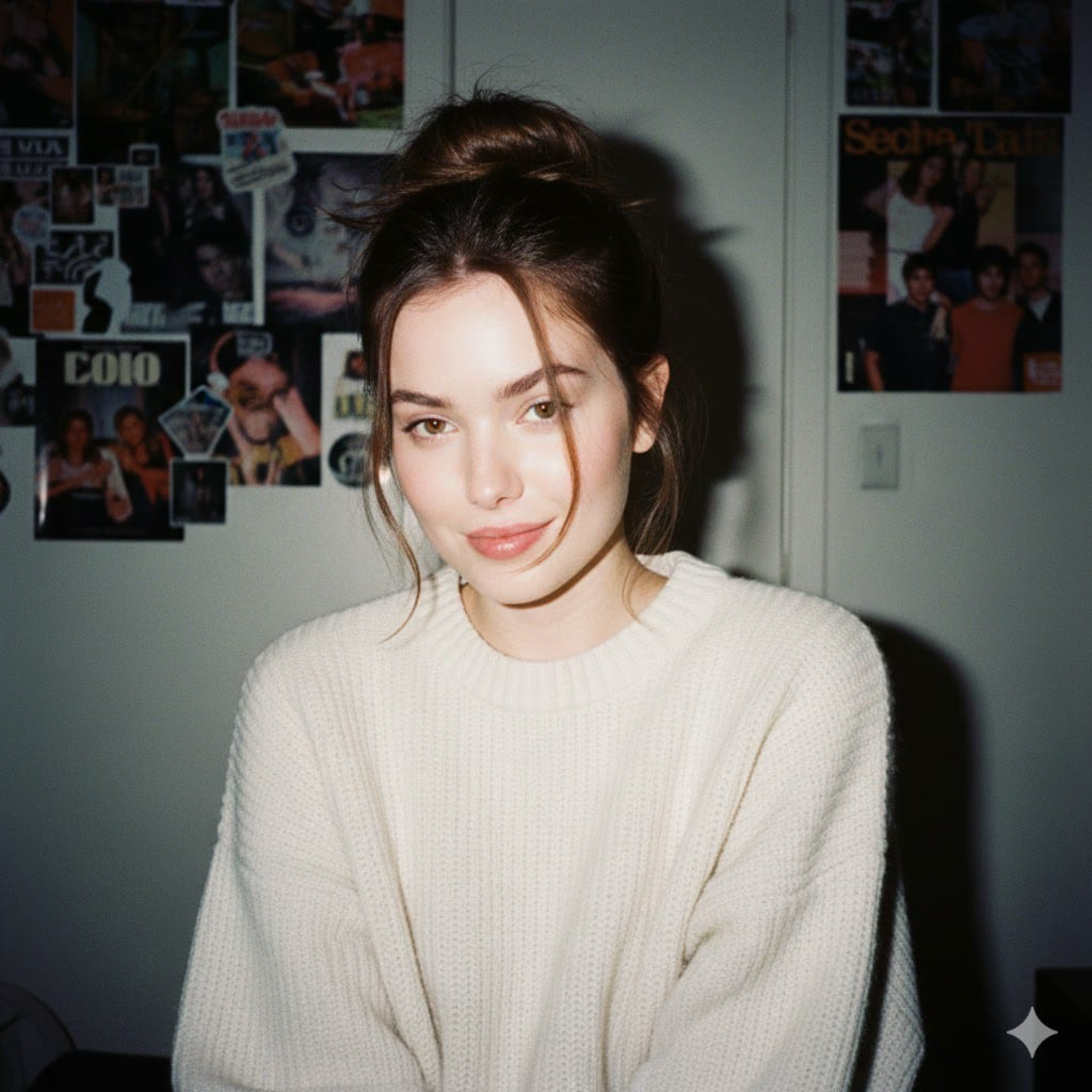
1990s Camera Style Portrait
Without changing her original face, create a portrait of a beautiful young woman with porcelain-white skin, captured with a 1990s-style camera using a direct front flash. Her messy dark brown hair is tied up, posing with a calm yet playful smile. She wears a modern oversized cream sweater. The background is a dark white wall covered with aesthetic magazine posters and stickers, evoking a cozy bedroom or personal room atmosphere under dim lighting. The 35mm lens flash creates a nostalgic glow.
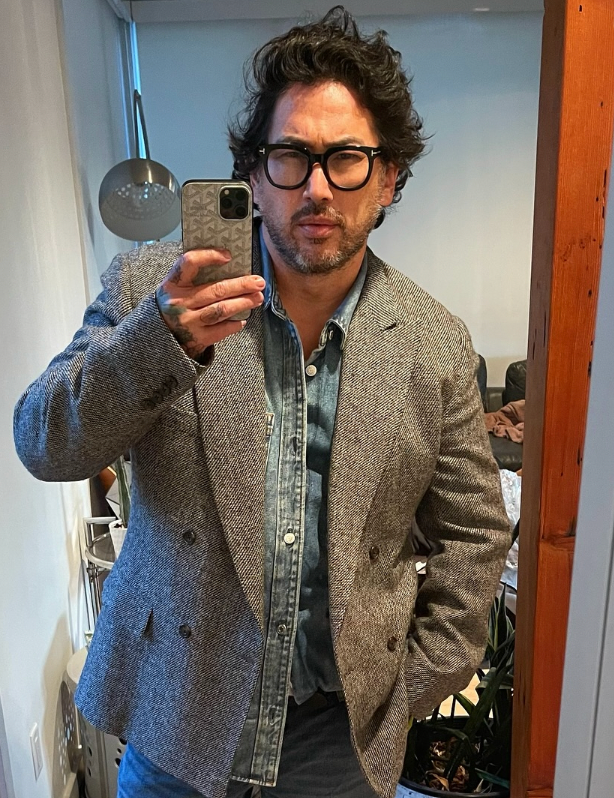
One-Click Business Photo (Silicon Valley Style)
Keep the facial features of the person in the uploaded image exactly consistent . Dress them in a professional navy blue business suit with a white shirt, similar to the reference image. Background : Place the subject against a clean, solid dark gray studio photography backdrop . The background should have a subtle gradient , slightly lighter behind the subject and darker towards the edges (vignette effect). There should be no other objects. Photography Style : Shot on a Sony A7III with an 85mm f/1.4 lens , creating a flattering portrait compression. Lighting : Use a classic three-point lighting setup . The main key light should create soft, defining shadows on the face. A subtle rim light should separate the subject's shoulders and hair from the dark background. Crucial Details : Render natural skin texture with visible pores , not an airbrushed look. Add natural catchlights to the eyes . The fabric of the suit should show a subtle wool texture.Final image should be an ultra-realistic, 8k professional headshot.
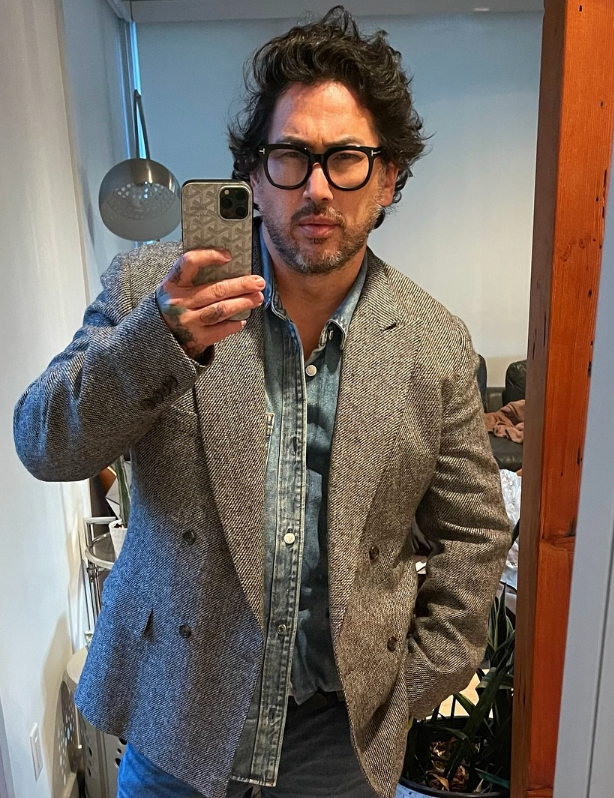
Emotional Film Photography
Keep the facial features of the person in the uploaded image exactly consistent . Style : A cinematic, emotional portrait shot on Kodak Portra 400 film . Setting : An urban street coffee shop window at Golden Hour (sunset) . Warm, nostalgic lighting hitting the side of the face. Atmosphere : Apply a subtle film grain and soft focus to create a dreamy, storytelling vibe. Action : The subject is looking slightly away from the camera, holding a coffee cup, with a relaxed, candid expression. Details : High quality, depth of field, bokeh background of city lights.
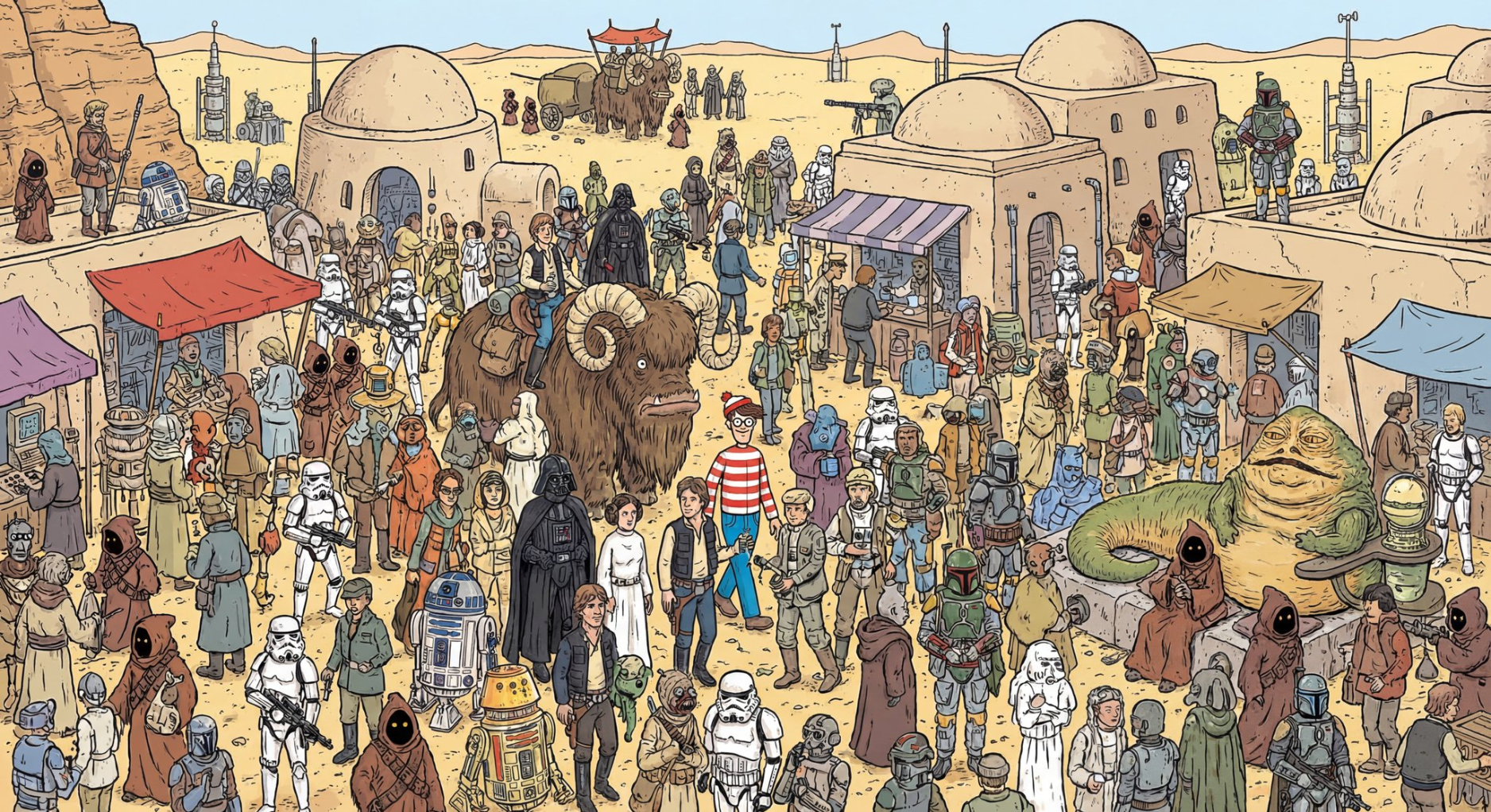
Star Wars "Where's Waldo"
A where is waldo image showing all Star Wars characters on Tatooine First one to pull this off. First take. Even Waldo is there.
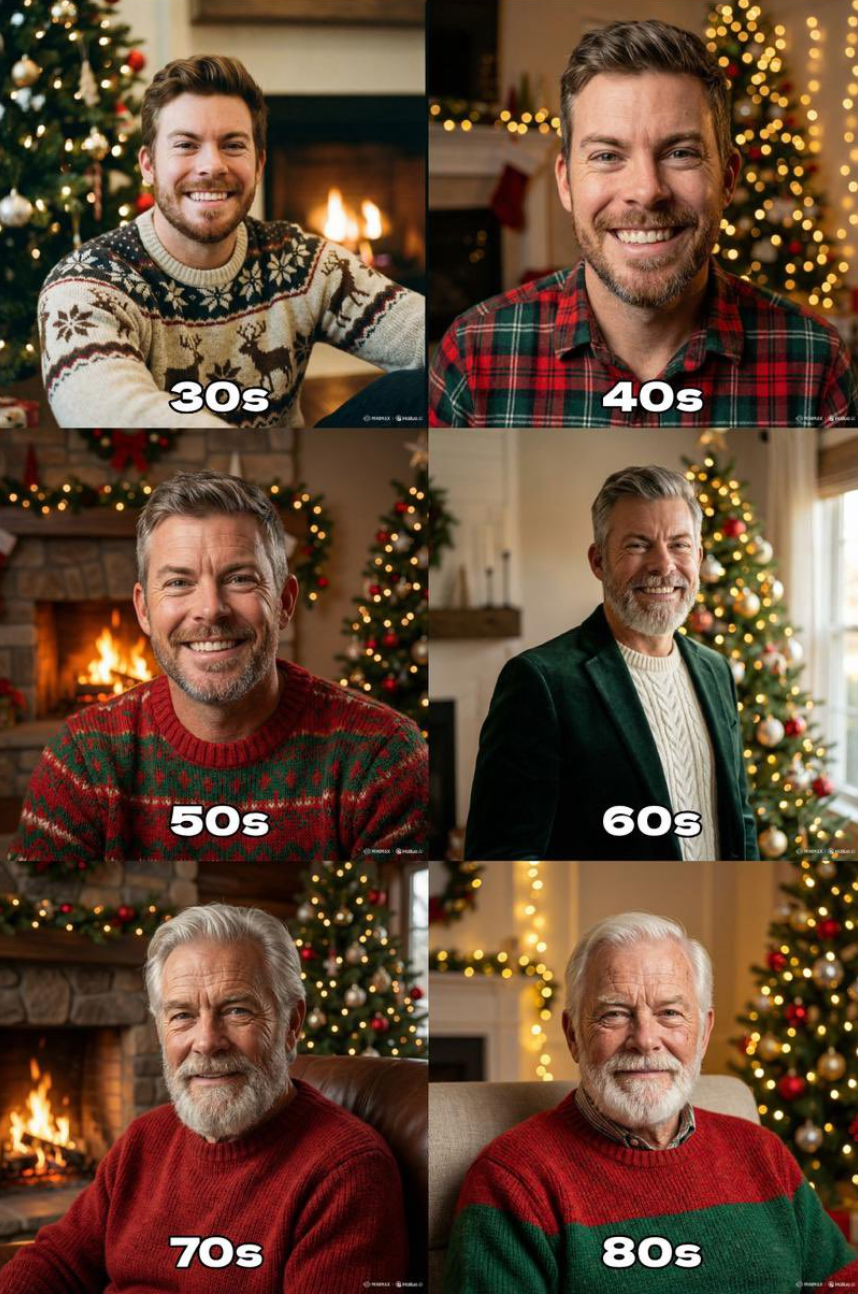
Aging Through the Years
"Generate the holiday photo of this person through the ages up to 80 years old"
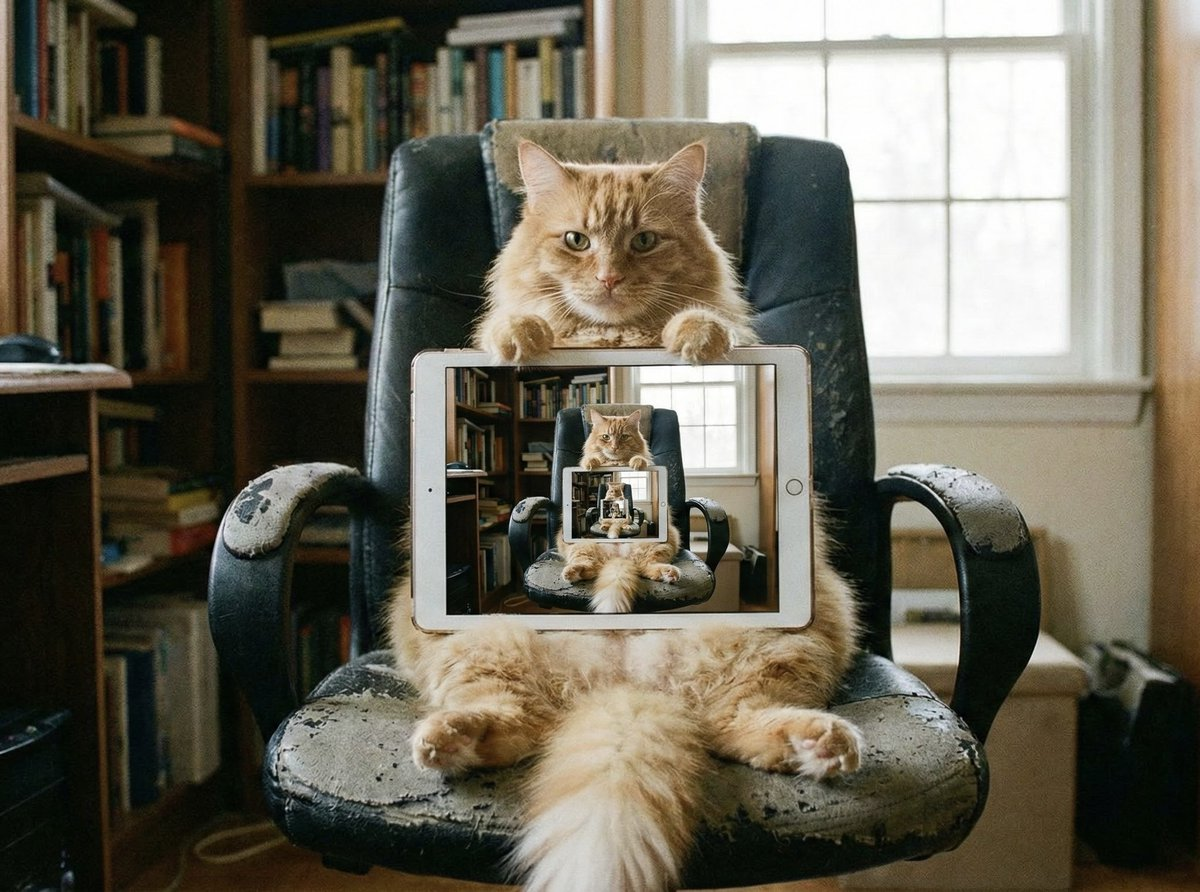
Recursive Visuals
recursive image of an orange cat sitting in an office chair holding up an iPad. On the iPad is the same cat in the same scene holding up the same iPad. Repeated on each iPad.
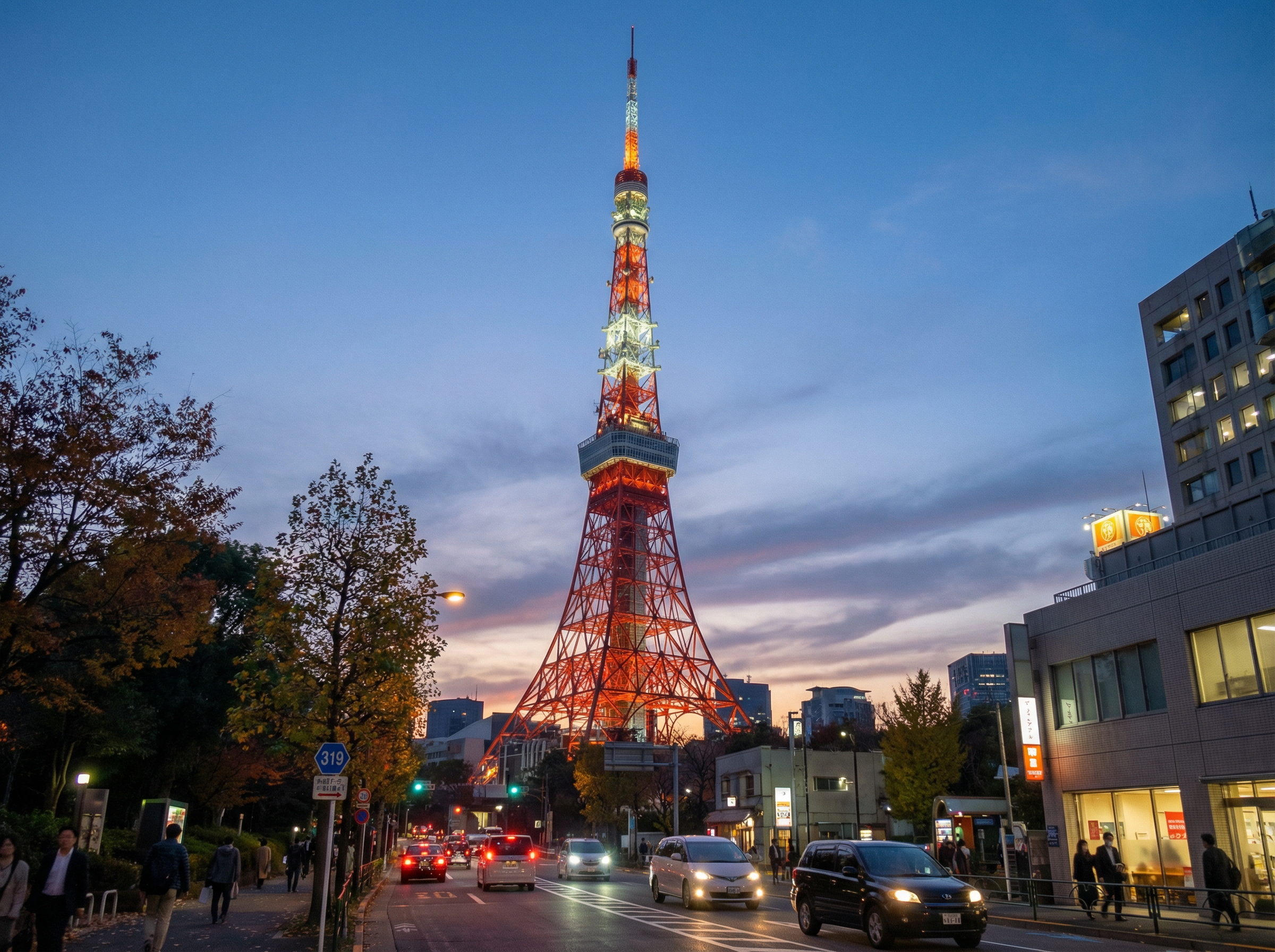
Coordinate Visualization
35.6586° N, 139.7454° E at 19:00
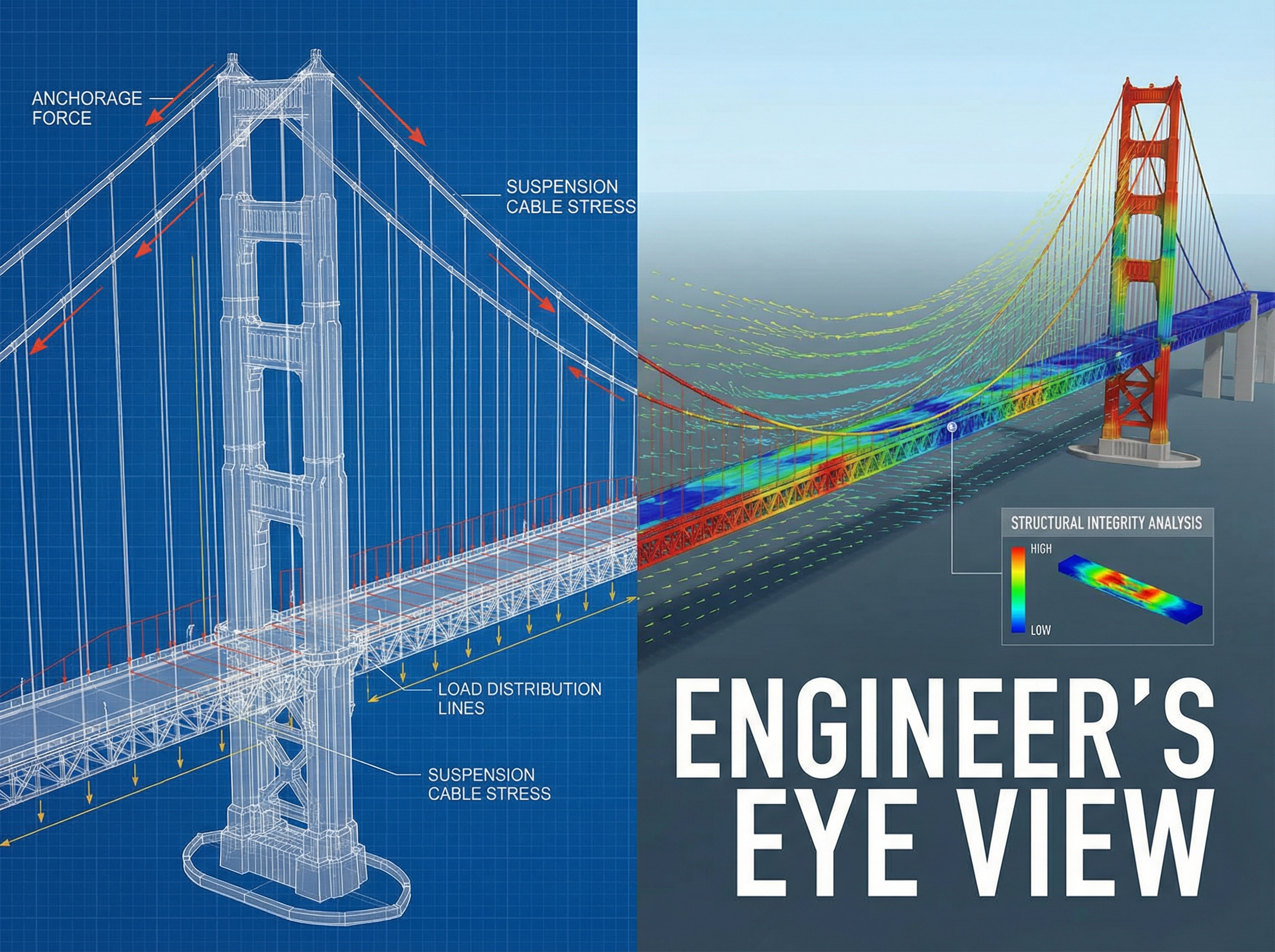
Conceptual Visualization
How engineers see the San Francisco Bridge
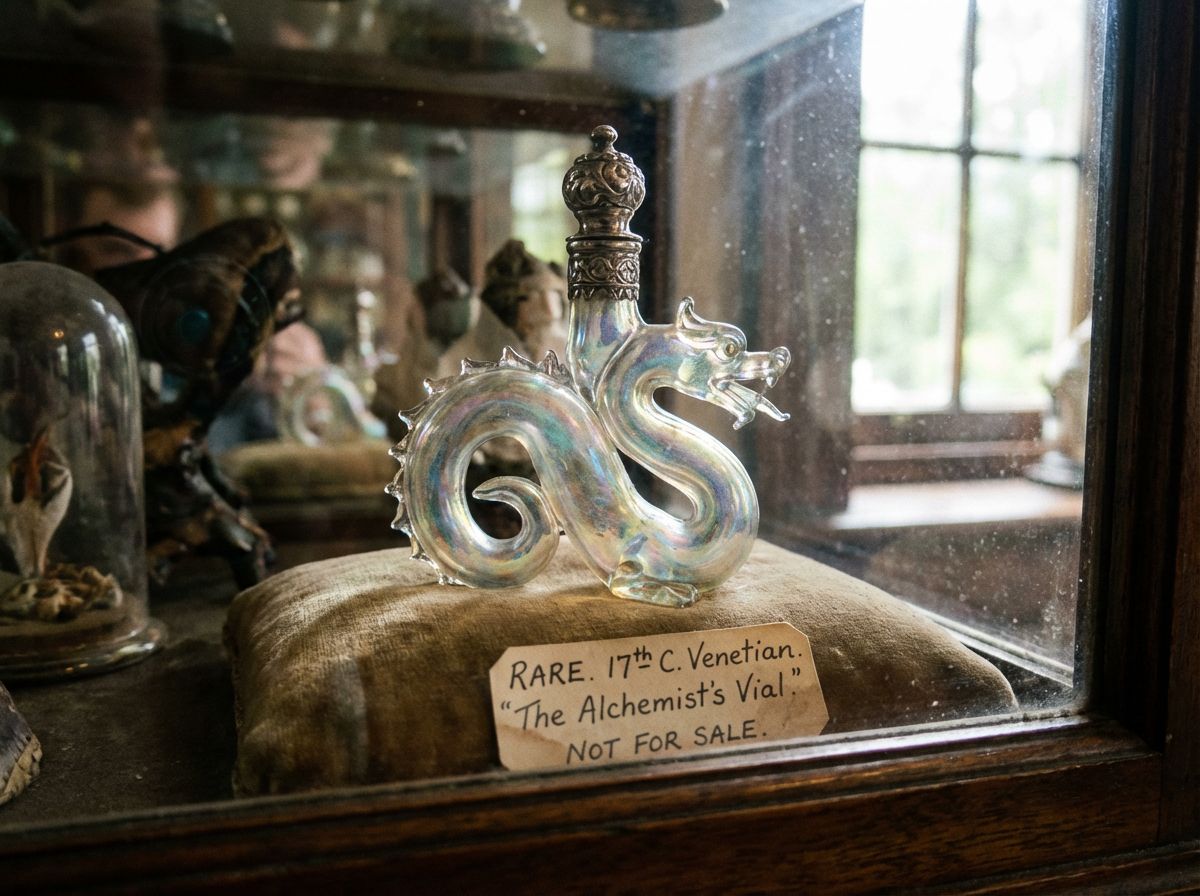
Literal Interpretation
rare.jpg
Sovibe
Explore our curated collection of high-quality prompts to inspire your next creation.
Features
The Nano Banana Pro Advantage
Experience truly professional image generation
Unrivaled Text Rendering
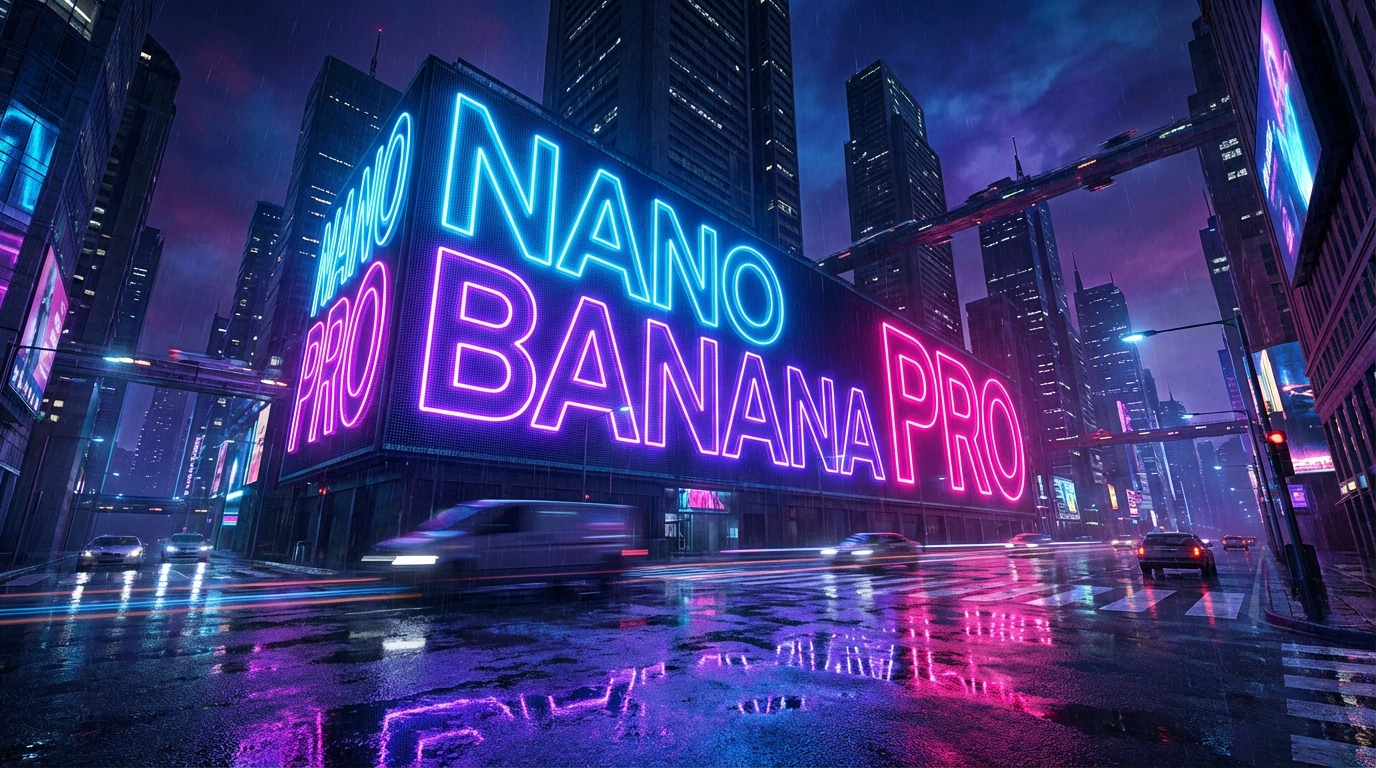
Stop struggling with gibberish. As a superior Midjourney alternative, Sovibe generates correct spelling in AI images. Perfect for creating logos, posters, and infographic images with legible typography
Character & Face Consistency
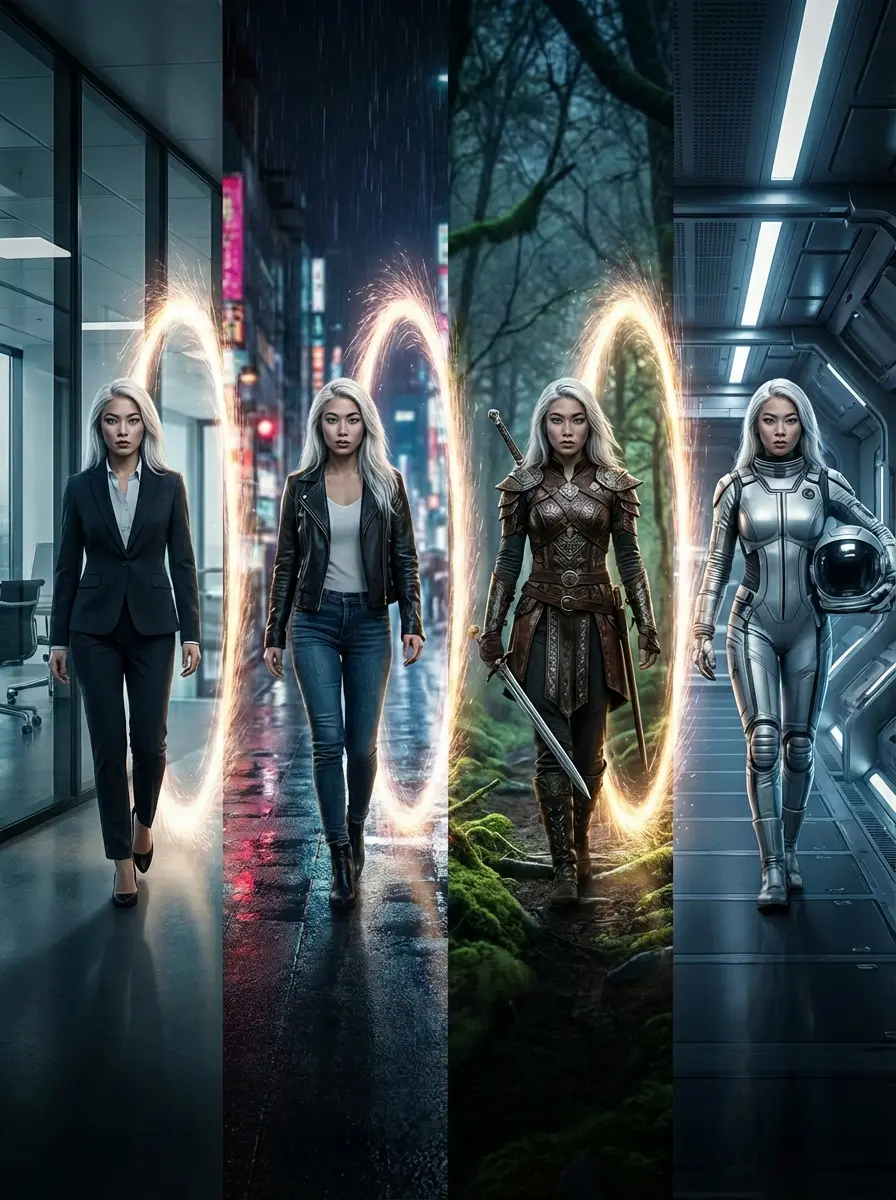
Storytellers love us. Maintain face consistency across multiple scenes. Upload a reference photo and let our AI avatar engine keep your character's identity intact for comics and game assets
4K Photorealistic Quality
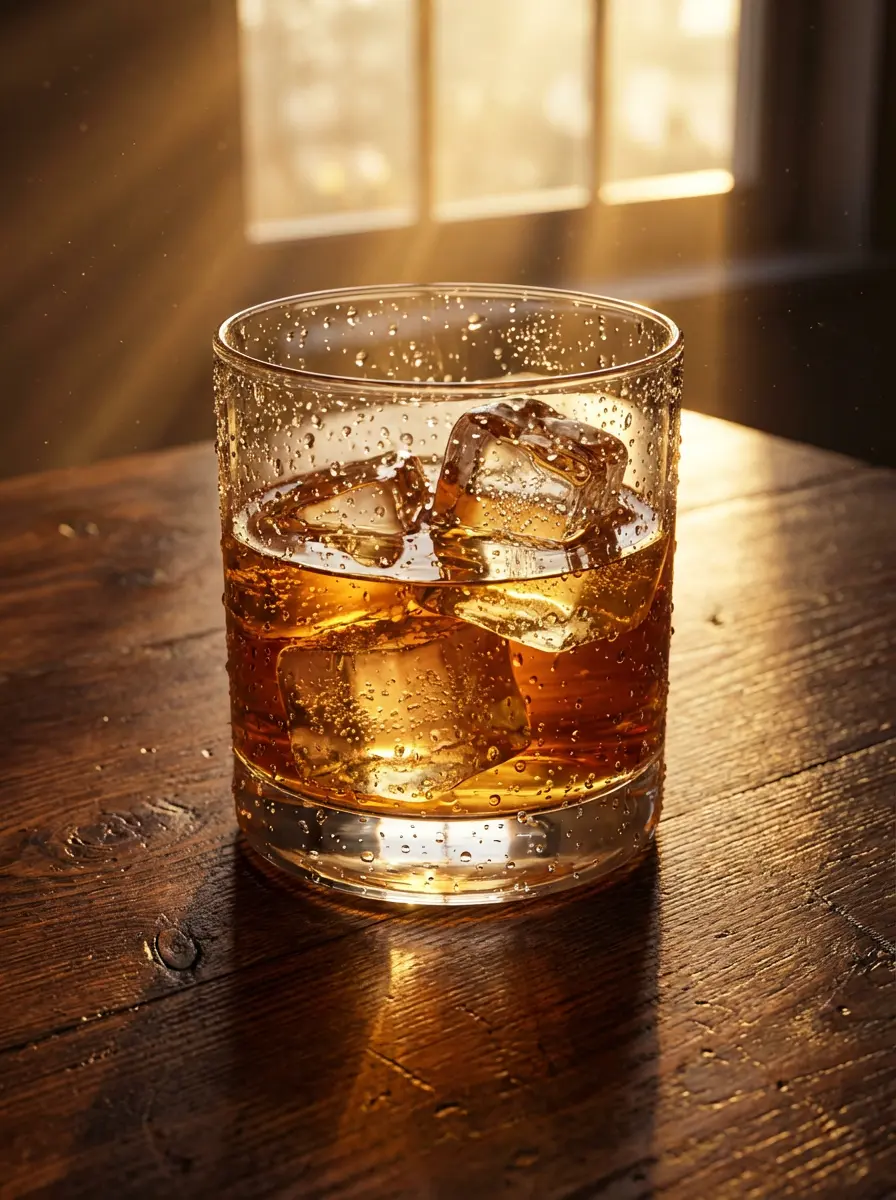
Get high resolution AI art natively. From macro photography textures to cinematic lighting, produce stock photos that look indistinguishable from real camera shots.
Advanced Search Grounding
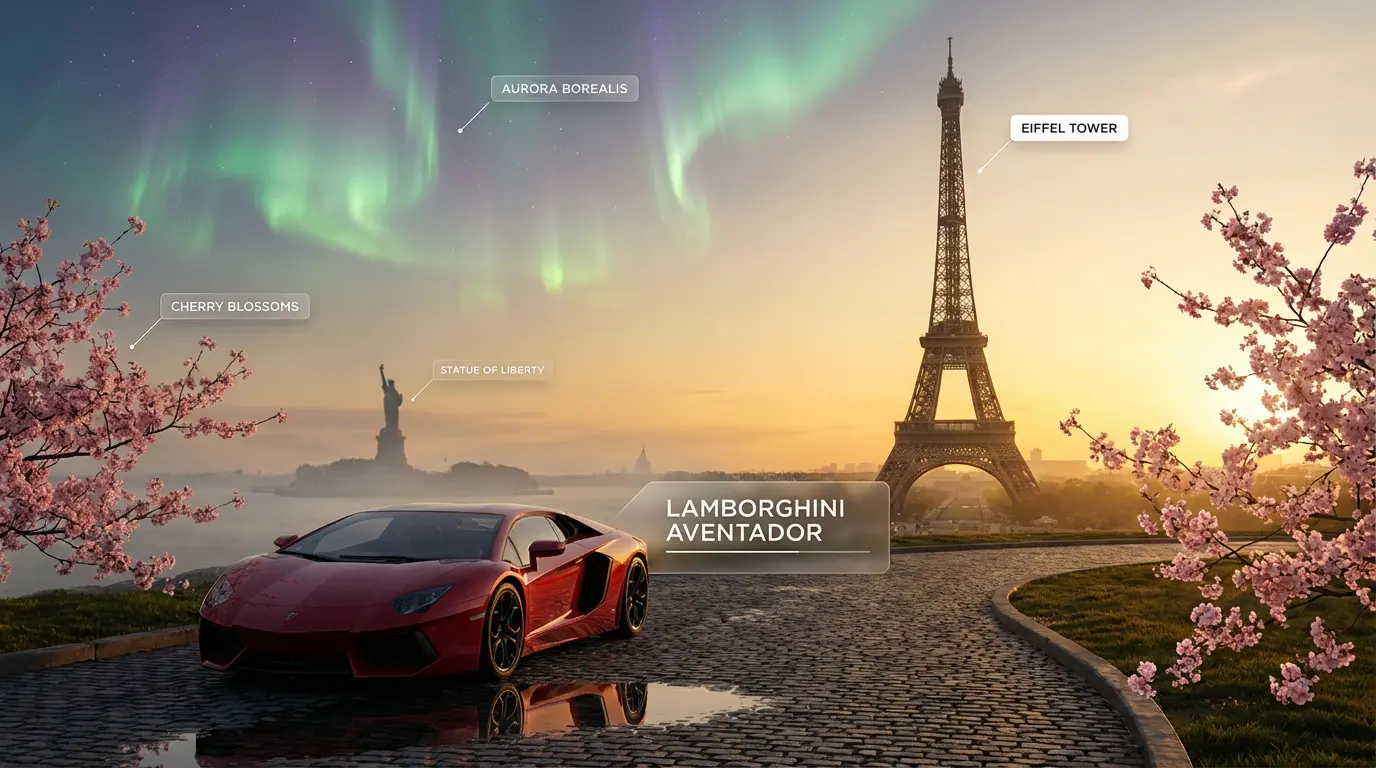
Generate images rooted in reality. Powered by Google Gemini image technology, our model understands real-world landmarks and objects better than any other text-to-image tool.
How It Works
How to Create with Nano Banana Pro

Prompt with Natural Language
Forget complex tags. Just talk to the AI image generator like a human. If you want text in the image, simply put it in quotes (e.g., say 'Hello World') to trigger perfect text rendering.

Customize Settings
Upload a reference image to guide the style or character structure. Choose your desired aspect ratio (16:9, 9:16) to ensure the composition fits your social media posts perfectly.

Select Model & Generate
Choose Nano Banana for speed or Nano Banana Pro for maximum photorealistic details. Hit generate to get 4 distinct, high-fidelity variations ready for commercial use.
ShowCase
What Can You Create with Nanobanana Pro?
Explore the full spectrum of Google Nanobanana 2's top-tier capabilities, live on Sovibe.
AI Infographics Generation
Transform Complex Data into Stunning AI Infographics with Nano Banana Pro
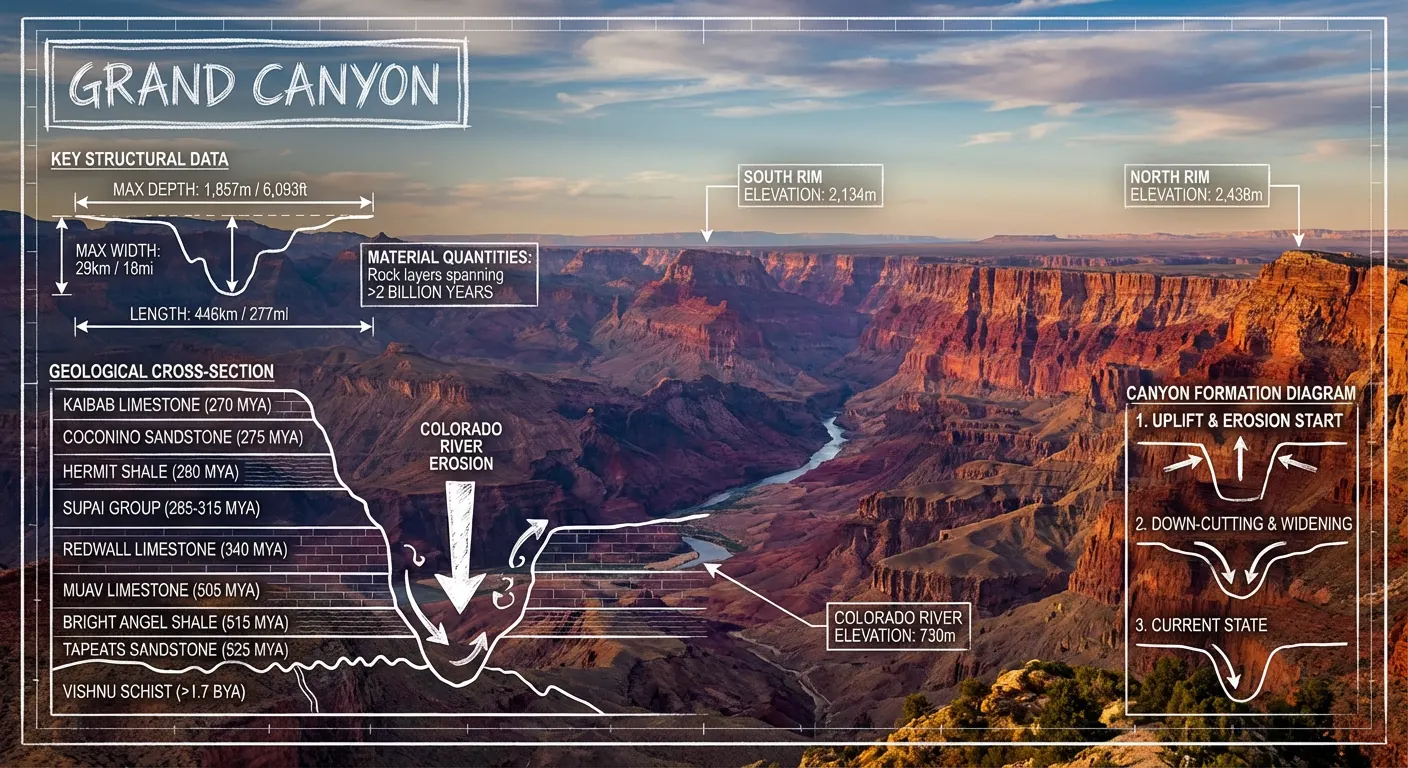
Create an infographic image of Grand Canyon, combining a real photograph of the landmark with blueprint-style technical annotations and diagrams overlaid on the image. Include the title Grand Canyon in a hand-drawn box in the corner. Add white chalk-style sketches showing key structural data, important measurements, material quantities, internal diagrams, load-flow arrows, cross-sections, floor plans, and notable architectural or engineering features. Style: blueprint aesthetic with white line drawings on the photograph, technical/architectural annotation style, educational infographic feel, with the real environment visible behind the annotationsall the text should be english
Professor Whiteboard Image
Transform academic papers into engaging whiteboard-style visual explanations
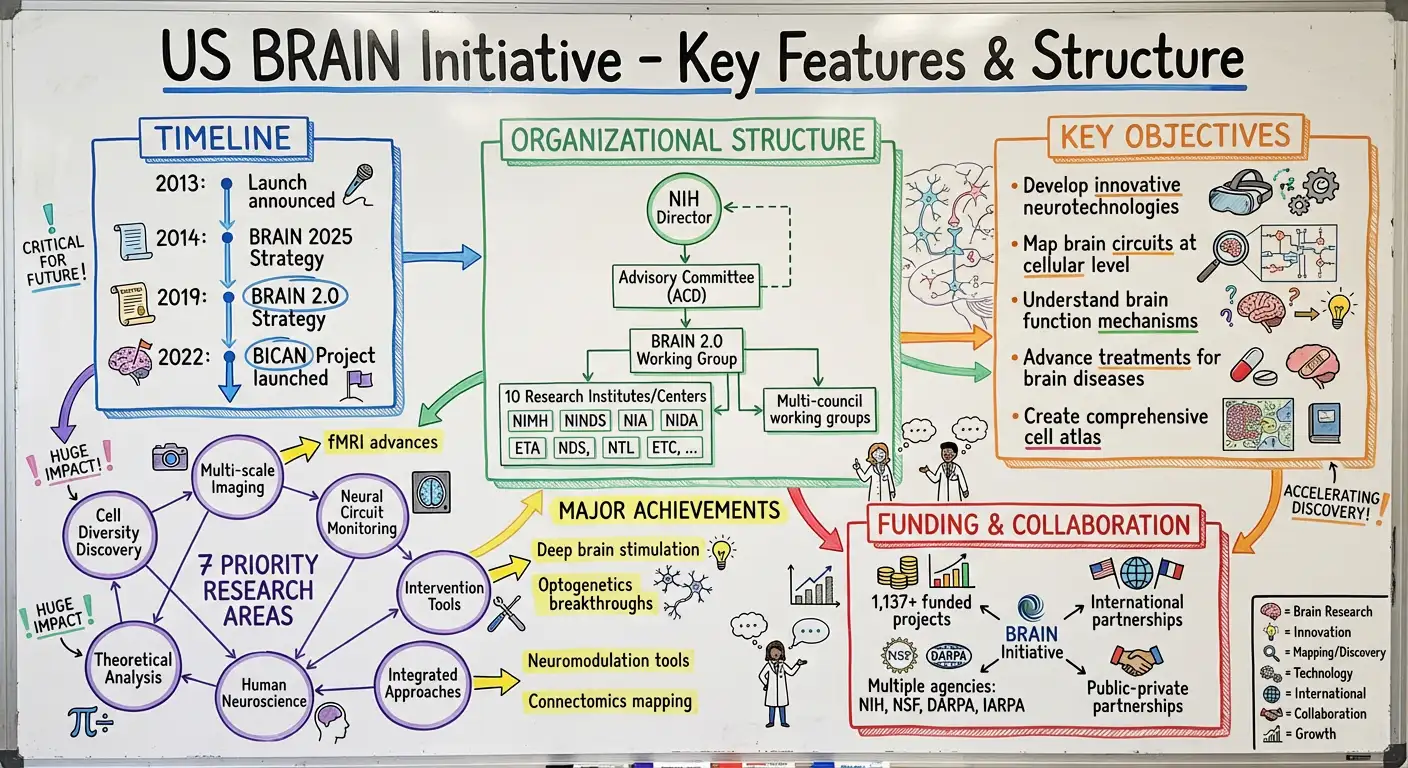
take this paper and transfor in the image of a professor whiteboard image:diagrams,arrows,boxes,captions explaining the core idea visually,use collors as well
Vintage Handwriting Map
Generate artistic watercolor maps with handwritten annotations for unique visual appeal
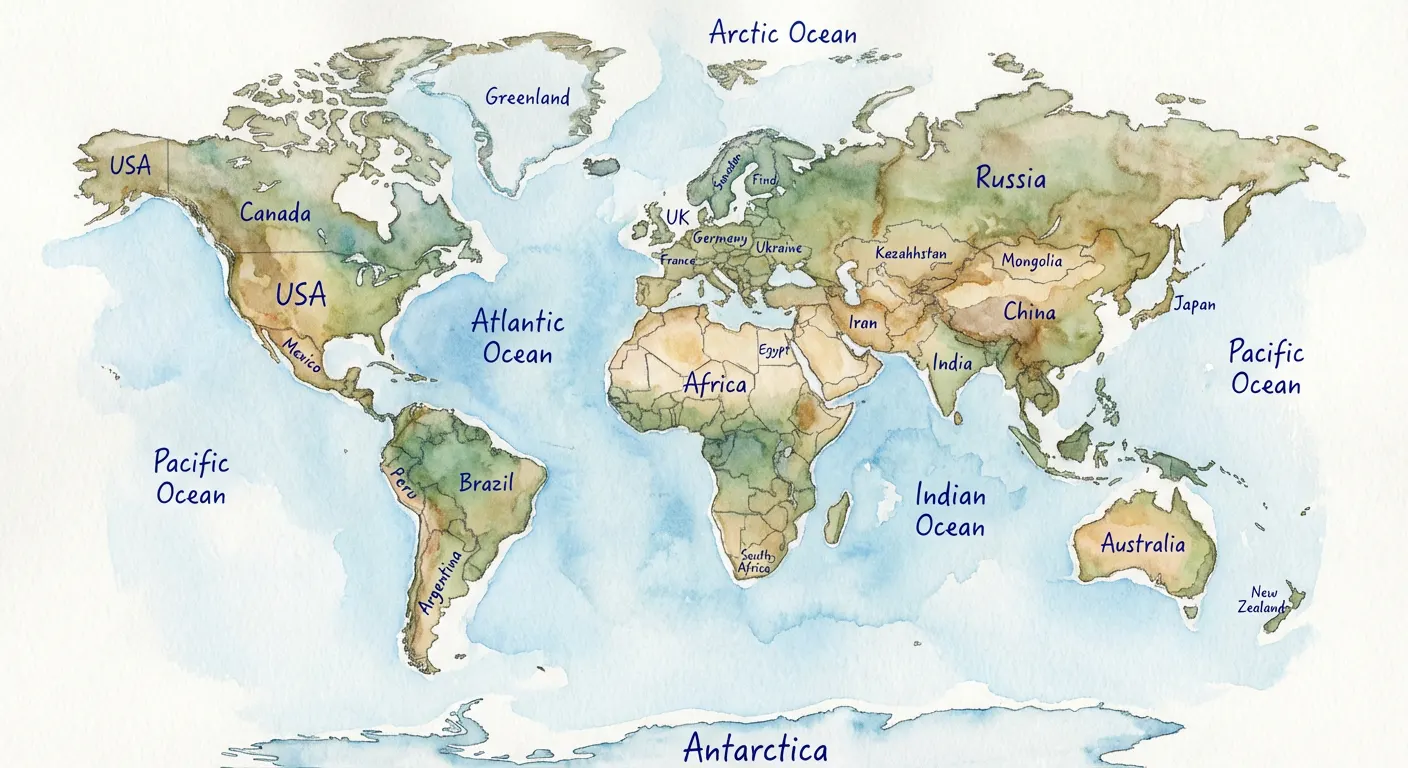
Create a watercolor-style map of World, with all its regions named using a ballpoint pen
Character Design Sheet
Create comprehensive character design sheets with turnarounds, expressions, and poses
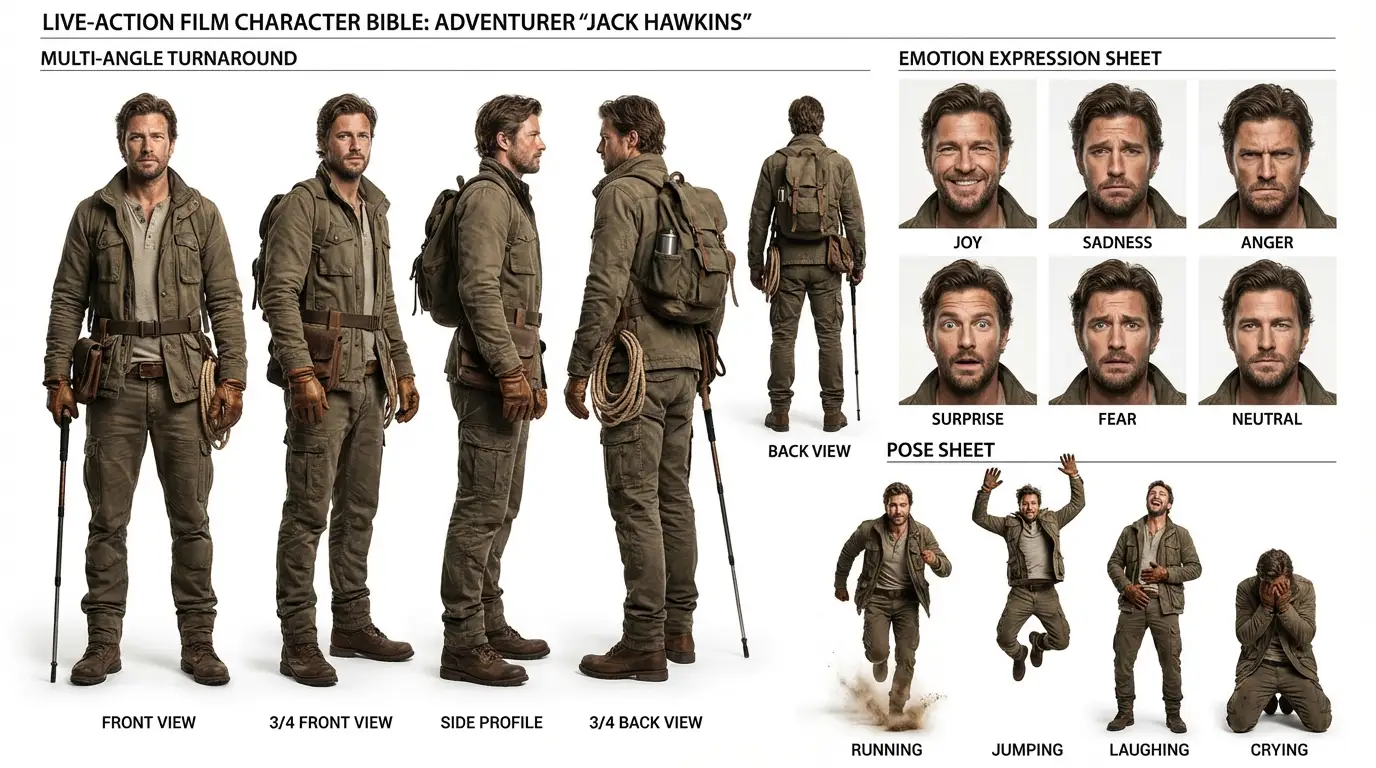
Create a detailed character design sheet for the figure in the image for a live-action film (non-anime style). Include three elements: a multi-angle turnaround, a basic emotion expression sheet (joy, sadness, anger, surprise, fear, neutral), and a pose sheet (running, jumping, laughing, crying). Delete the original image afterward.
Multi-panel Composition
Generate multi-panel photo compositions with consistent character identity across different poses
Before
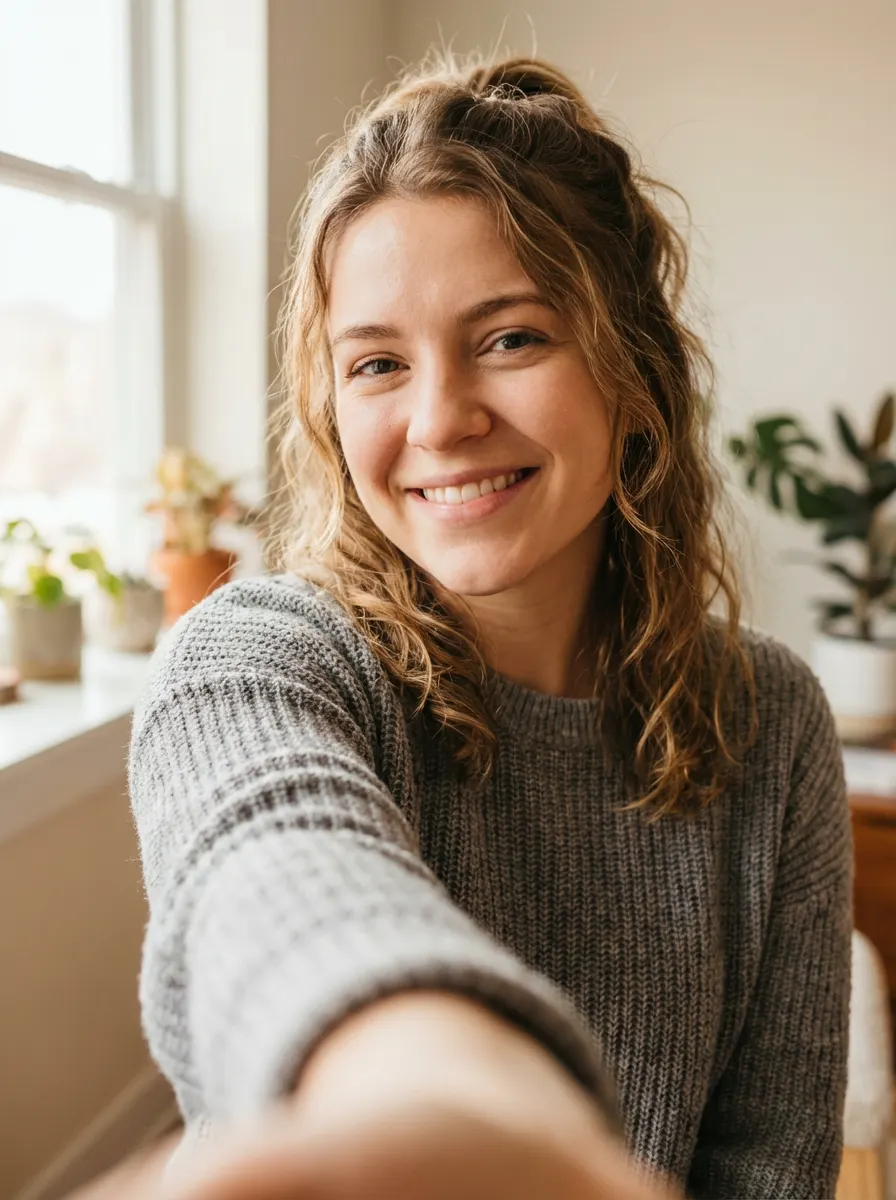
After
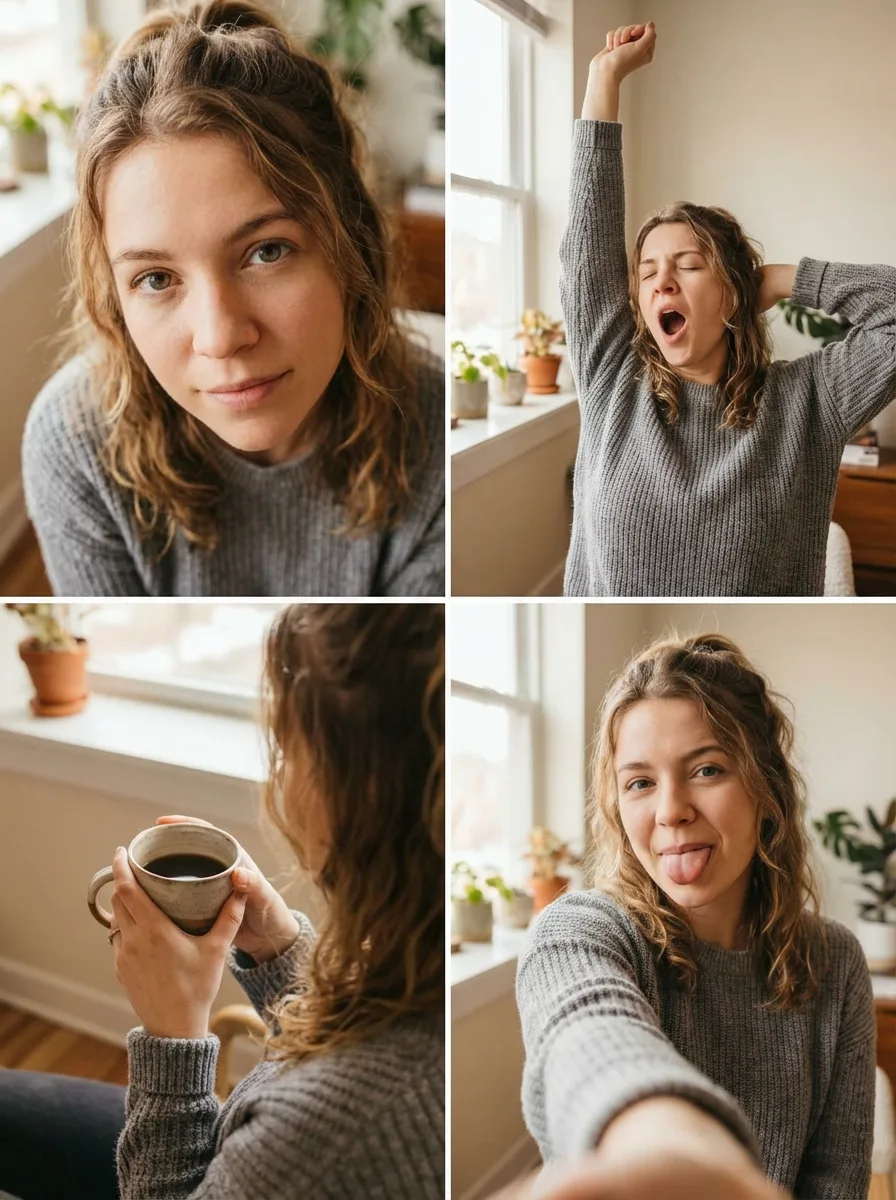
Using the uploaded reference image, generate a four-panel composition (upper-left, upper-right, lower-left, lower-right). Keep the person's face, hairstyle, and clothing exactly the same as in the uploaded image for all panels. Upper-left: A close-up of her face from a high angle, with her looking up with upward eyes. Upper-right: She raises one arm and stretches while yawning. Lower-left: An over-the-shoulder shot from behind her, showing her hands or what she is doing. Lower-right: She takes a selfie while sticking out her tongue. Realistic photo style, consistent identity, natural lighting.
Decade Transformation
Visualize historical transformations across different decades with period-accurate styling
Before
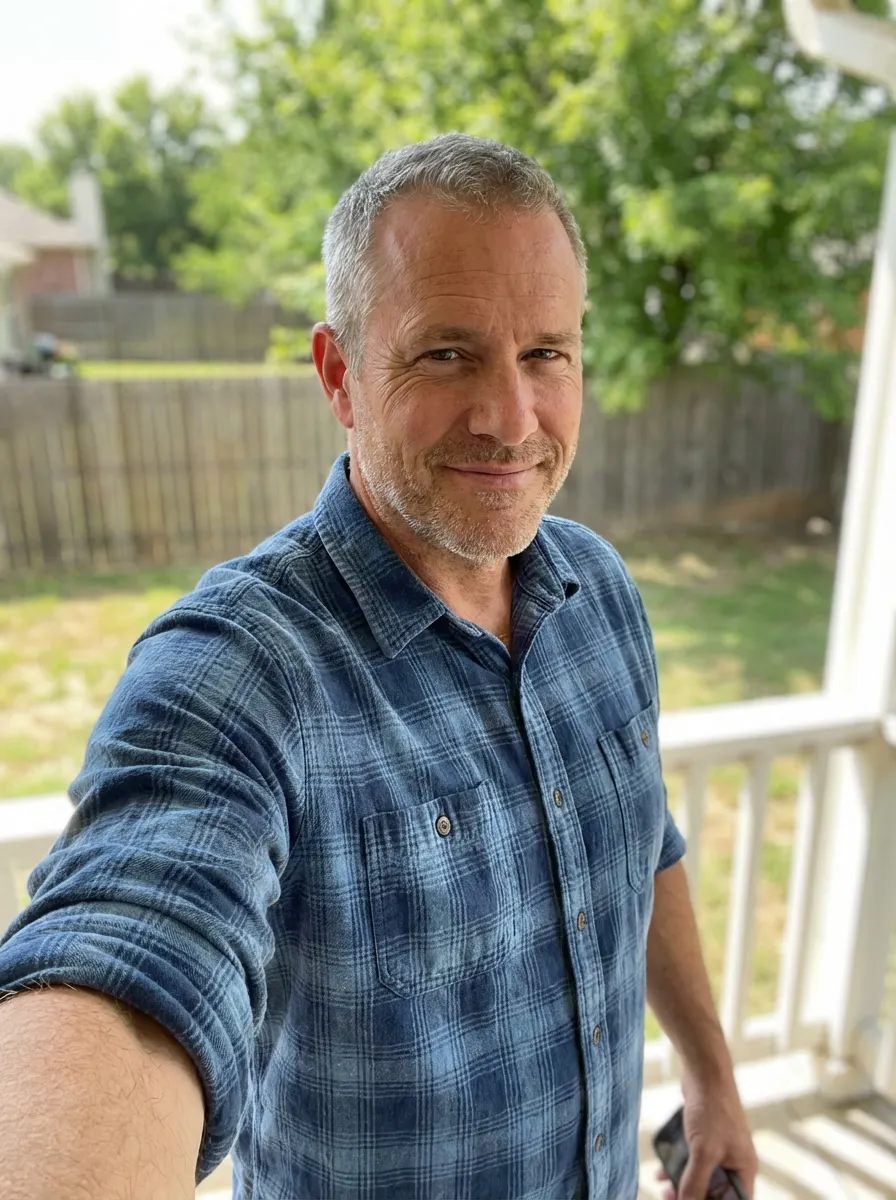
After
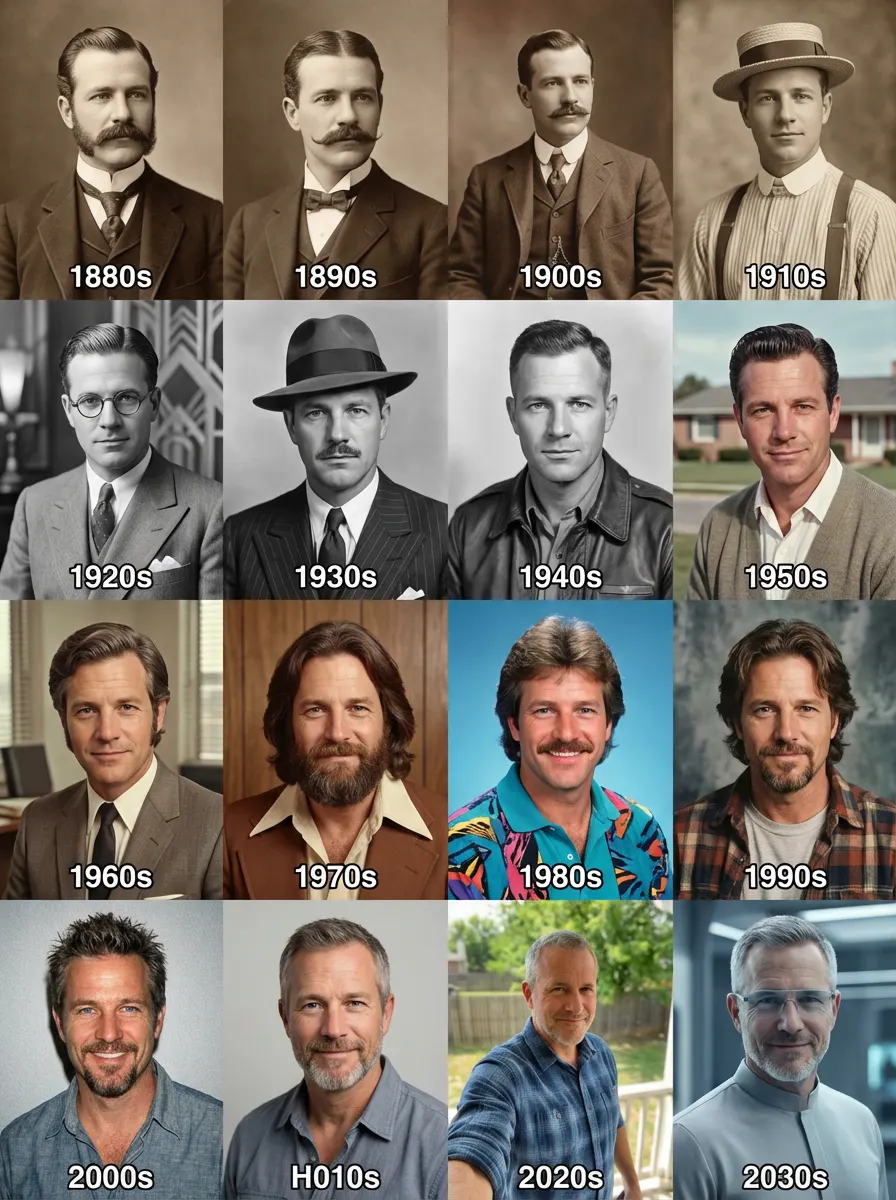
Make a 4×4 grid starting with the 1880s. In each section, I should appear styled according to that decade (clothing, hairstyle, facial hair, accessories). Use colors, background, & film style accordingly.
Product Render
Transform sketches into photorealistic product renders with professional materials and lighting
Before
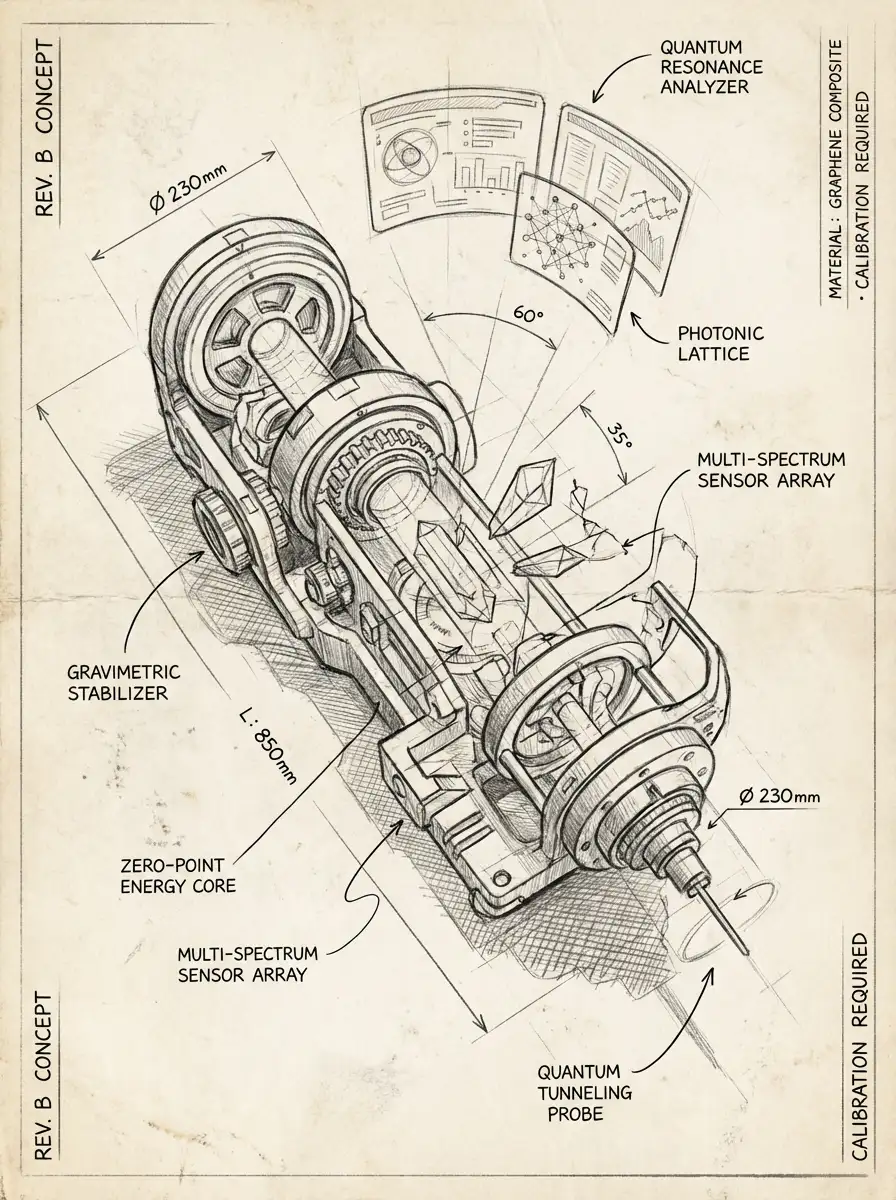
After
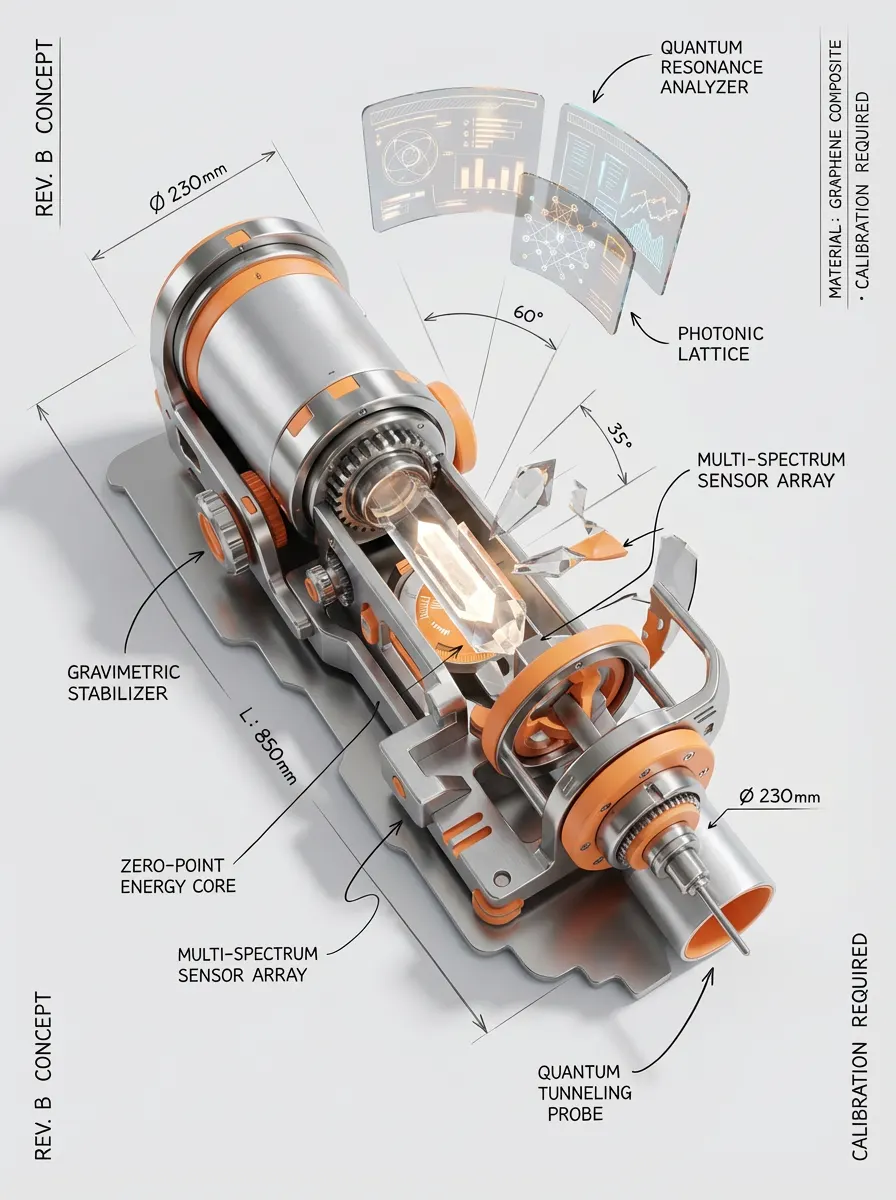
Create a Product render based on this drawing, Aluminium, stainless, and a bright accent color, RAL orange
Calories Annotation
Add clean nutrition annotations to food photos with minimalist fitness-infographic style
Before
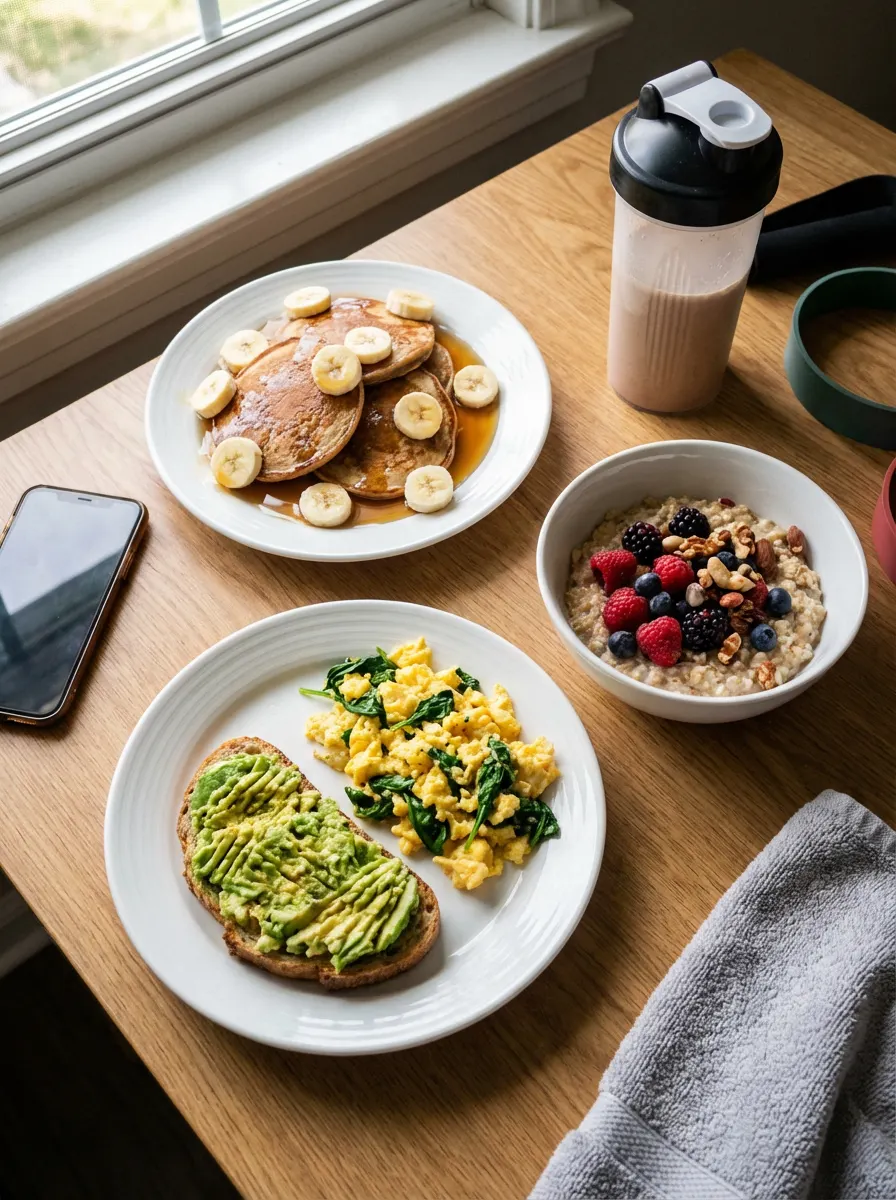
After
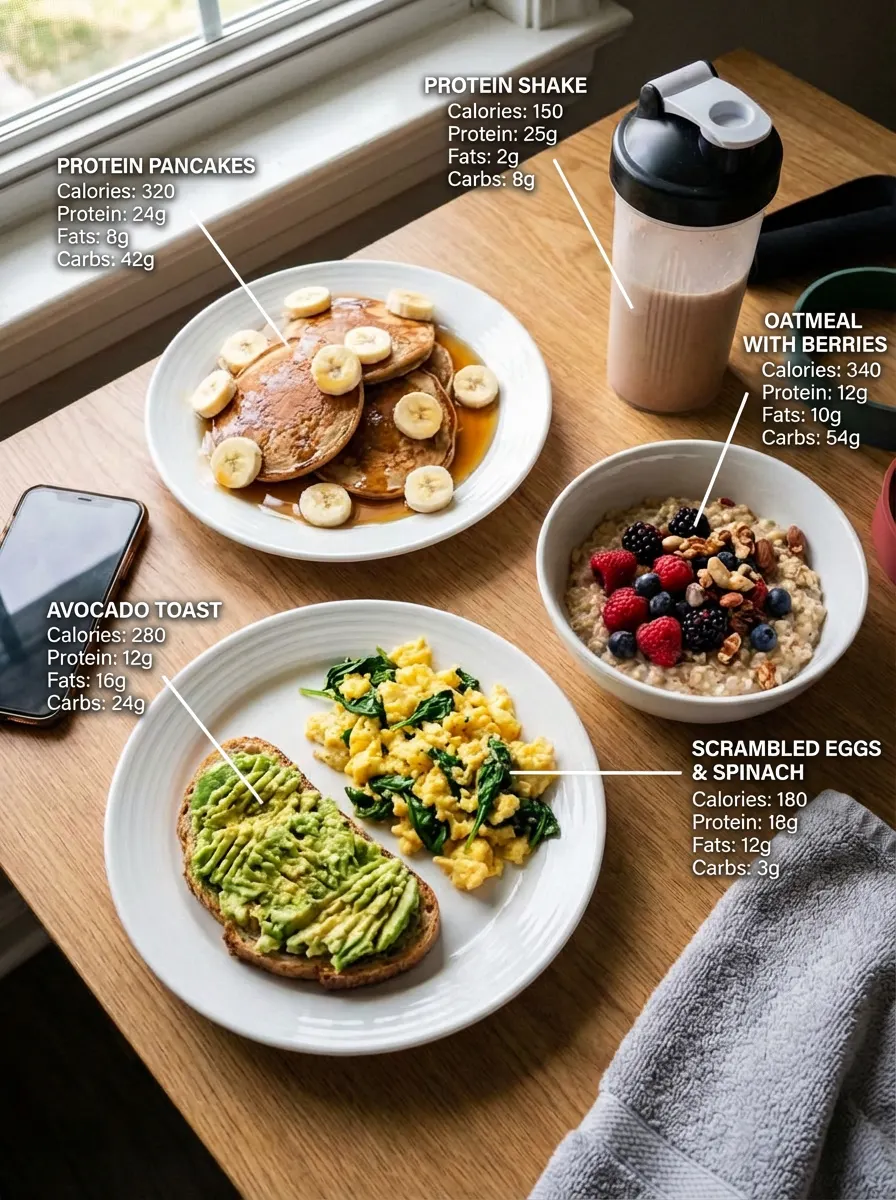
Create a high clarity nutrition annotation overlay in a clean, fitness-infographic style for this reference image. Use floating white text labels with no background box, positioned near each food item. Use a simple two-level text hierarchy: Line 1: item name in all caps, slightly larger. Lines below: calories, protein, fats and carbs listed separately. Connect each label to the food using a thin straight white line. Keep all text left aligned. Make the annotations brightand readable with high contrast against the scene.Style requirements: Minimalist,No colored boxes,Thin white pointer lines,Slight glow or high contrast for readability, No logos or icons ,Clean, macro-tracking aesthetic.The background and food should remain natural and realistic. Ensure each food item has its own separate annotation showing: Calories, Protein, Fats, Carbs.
Professional Web Design
Transform wireframes into polished web designs with professional UI/UX aesthetics
Before
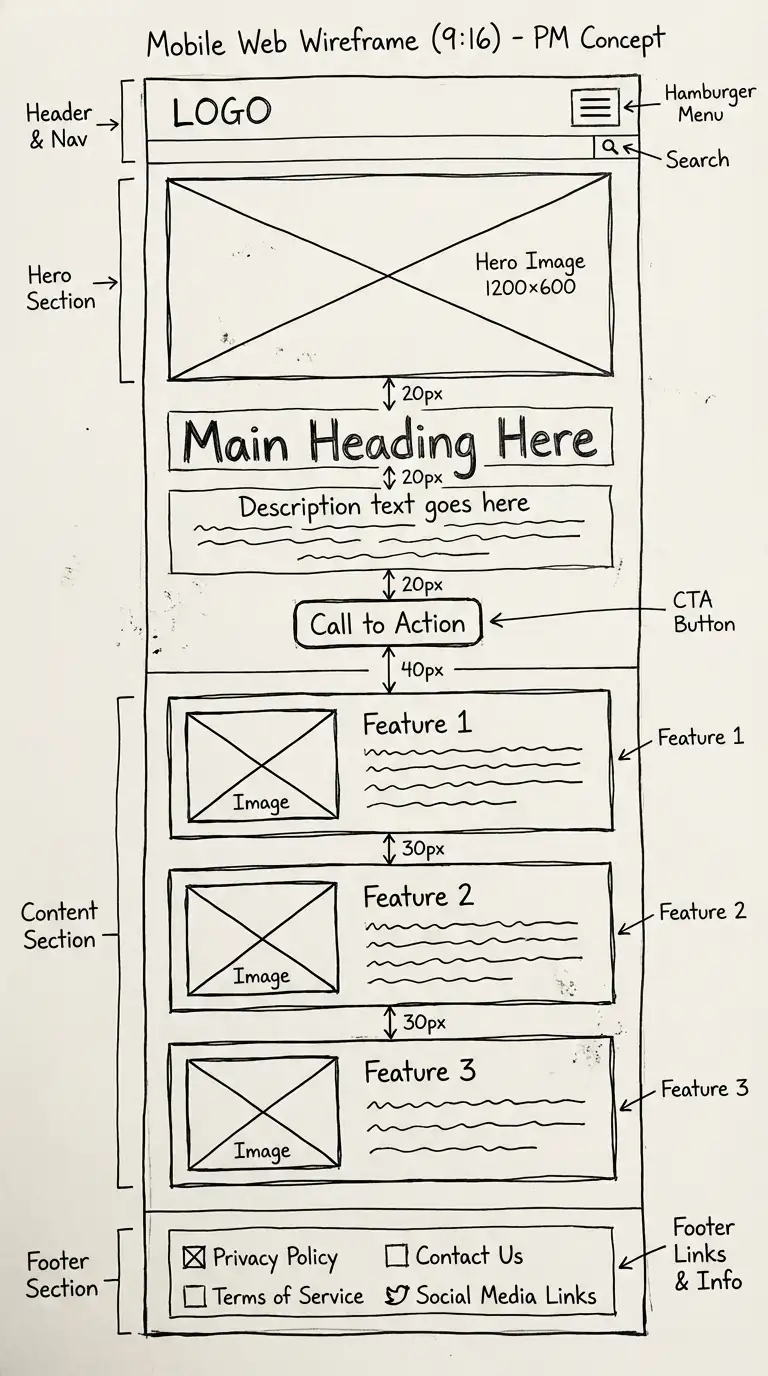
After
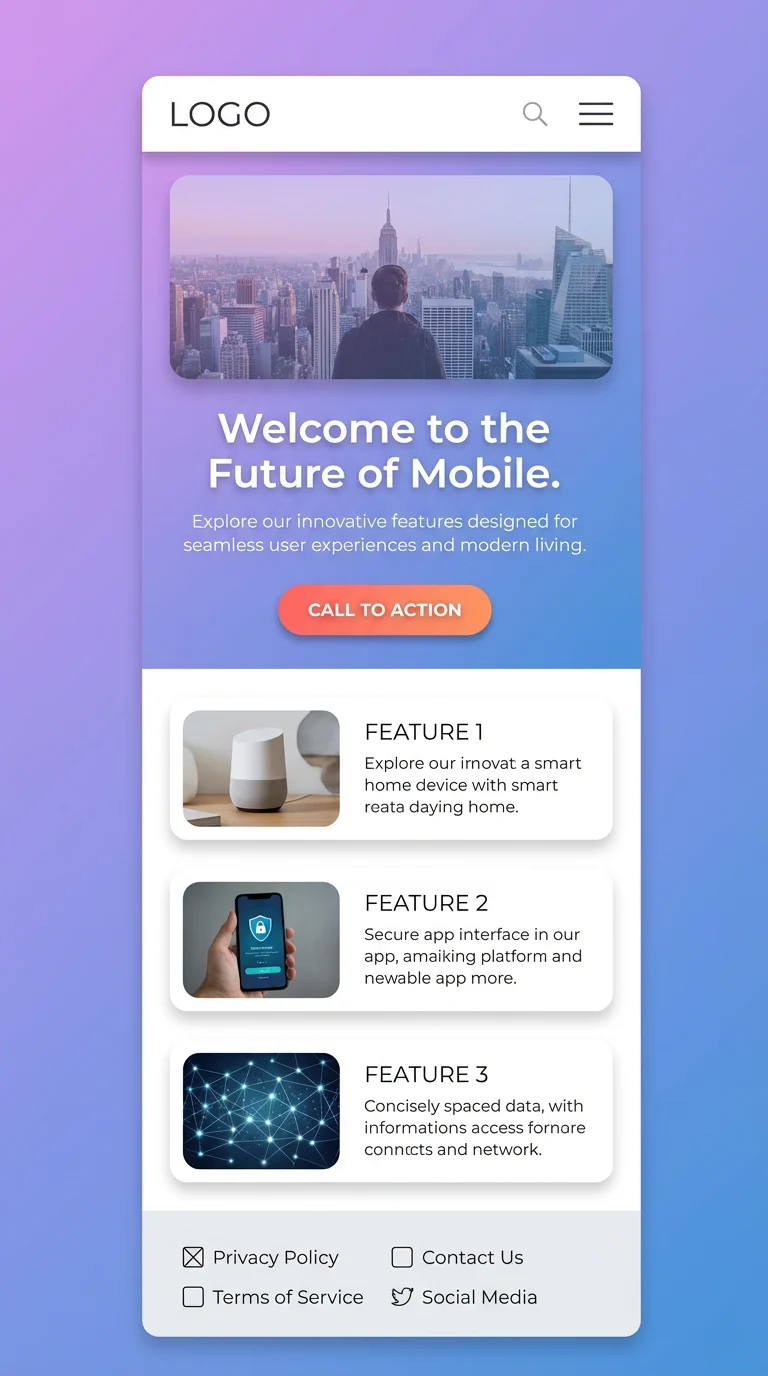
参照画像にある文章をもとにデザイン制作してください。レイアウトは無視してください。プロデザイナーのように。綺麗で整った美しく流れるデザインを。
FAQ
Answers to the most common questions
01What is Sovibe?→
02How can I get started with Sovibe?→
03Why should I use Sovibe image generator?→
04How fast is the Sovibe image generator?→
05Do I need any technical skills to use the generator?→
06Can I use Sovibe for commercial purposes?→
Sovibe
Stop Imagining. Start Creating with Nano Banana Pro!
Join Sovibe to generate 4K images with perfect text.
